

A Complete Wedding Videography Business Database
The Wedding Filmmaker OS
BY
HANDCRAFT PICTURES
Introducing The Wedding Filmmaker OS - my Notion-powered Wedding Videography business system.
After over 15 years working as a full time wedding filmmaker and managing teams of videographers, photographers and drone operators on large multi-day events, I feel I have a pretty good idea of what it takes to stay organised, efficient and on schedule for my clients - and what has helped me do this is having a system in place to keep everything in order.
Introducing my Wedding Filmmaker OS, a system I created with wedding videographers in mind- somewhere to store bookings, leads, financial information, important contacts, footage storage locations, write blog posts and more.
By learning how to fully utilise the power or Notion, one of the leading productivity apps, I built a workspace from the ground up (literally from a blank page) which I believe can store all the important information linked to your business. See below for more information!
THE DASHBOARD
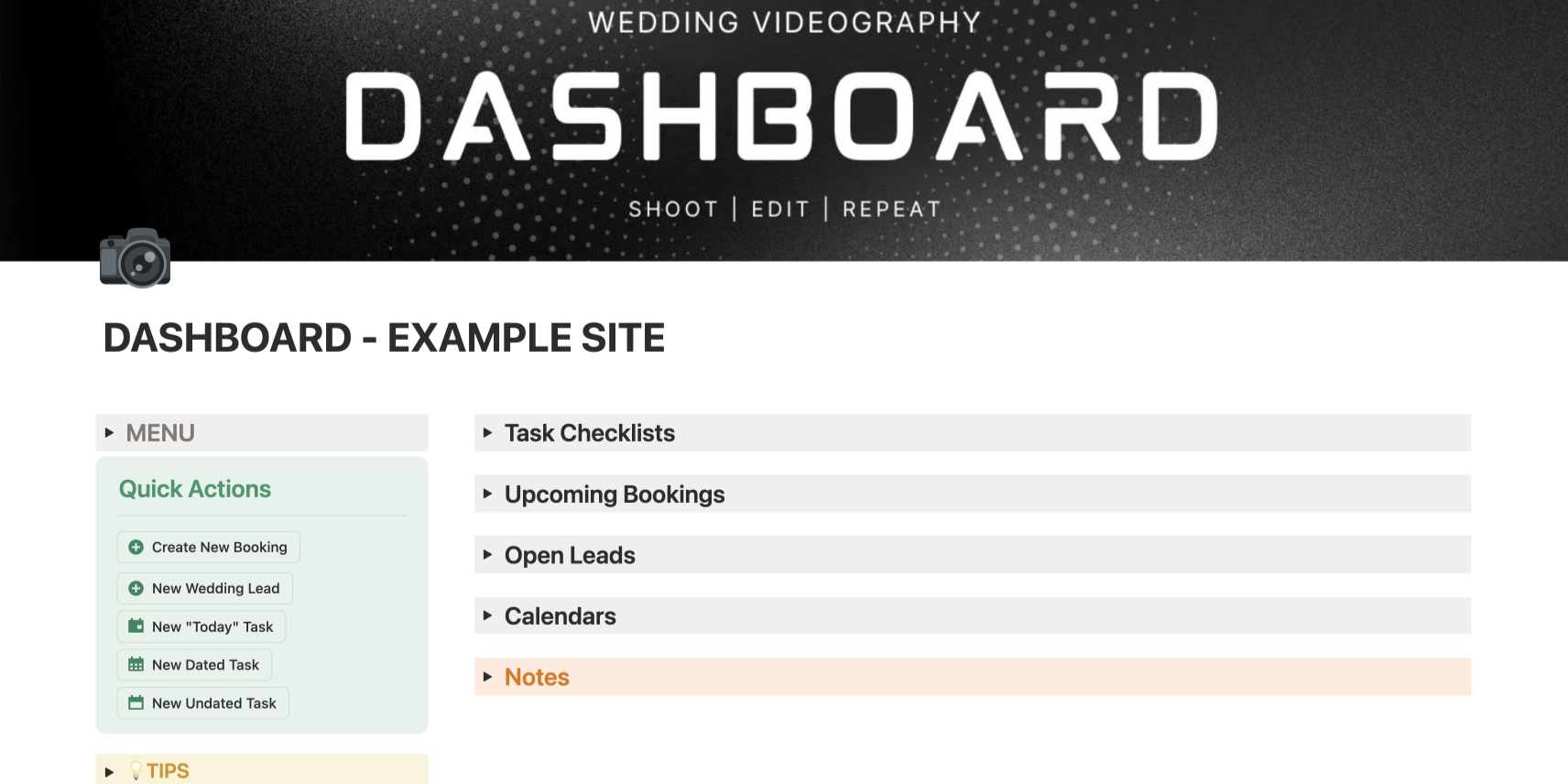
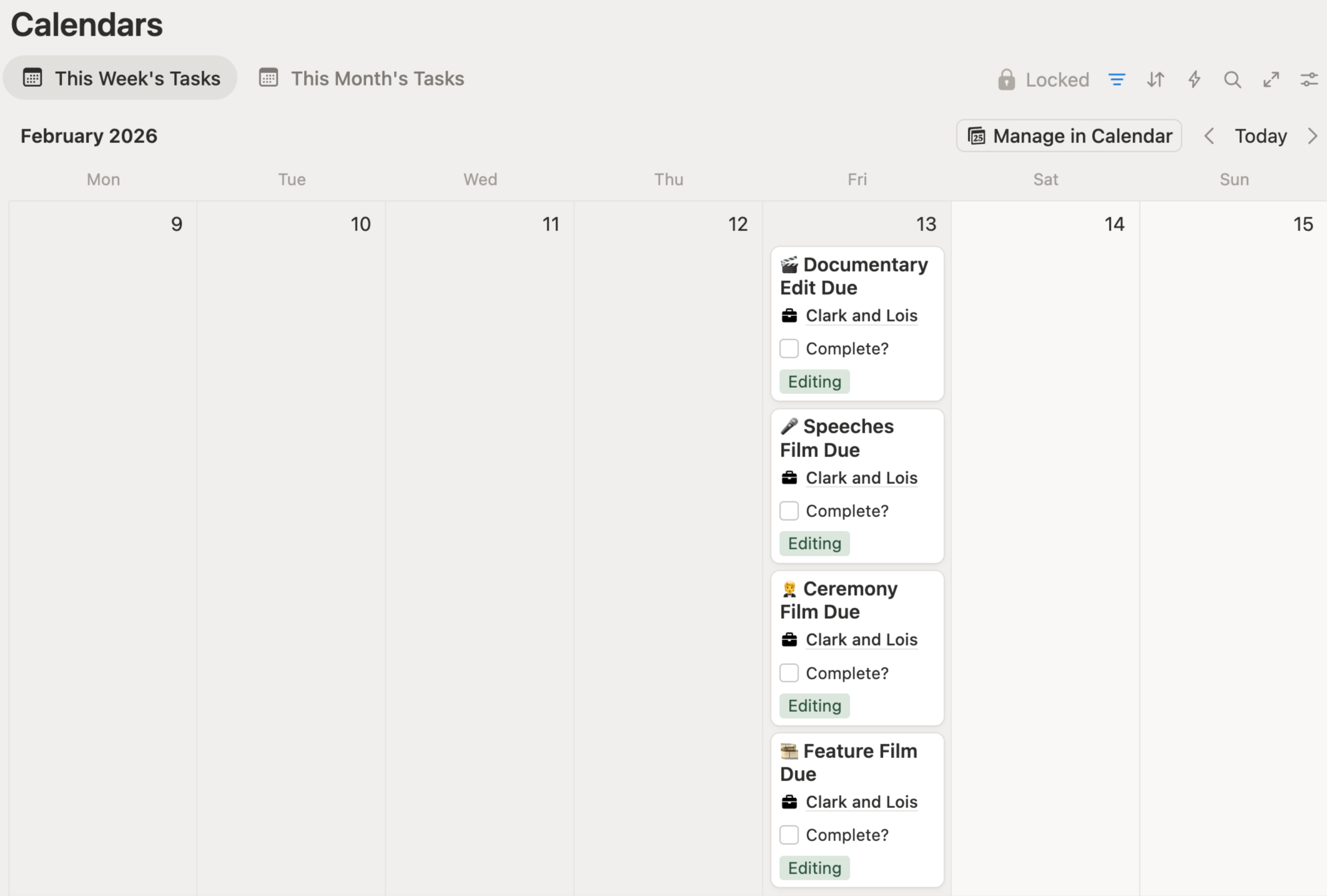
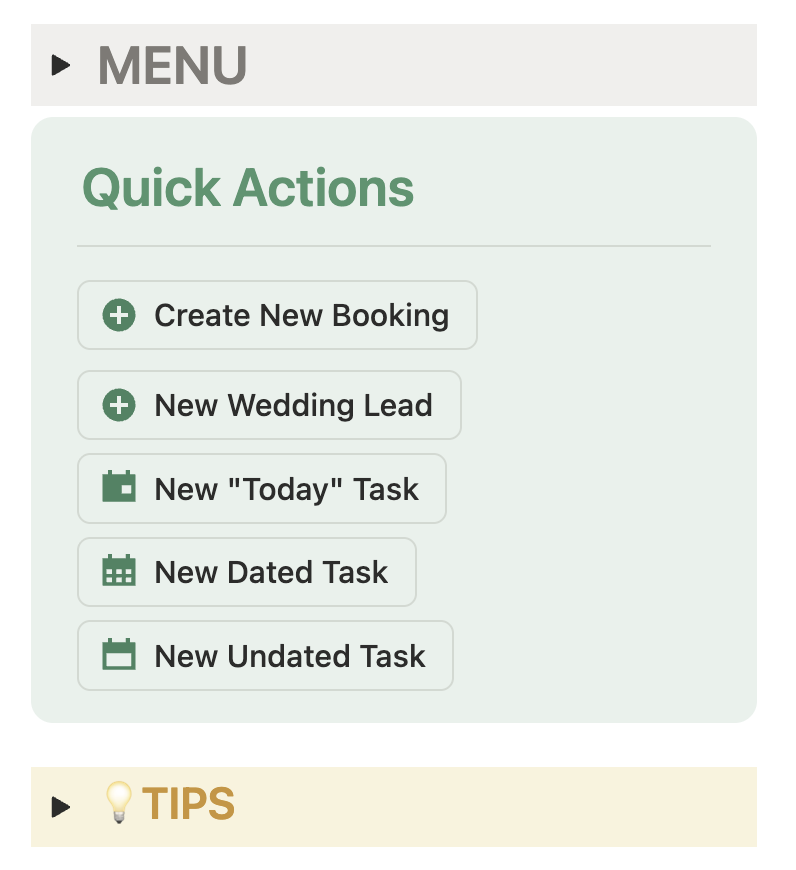
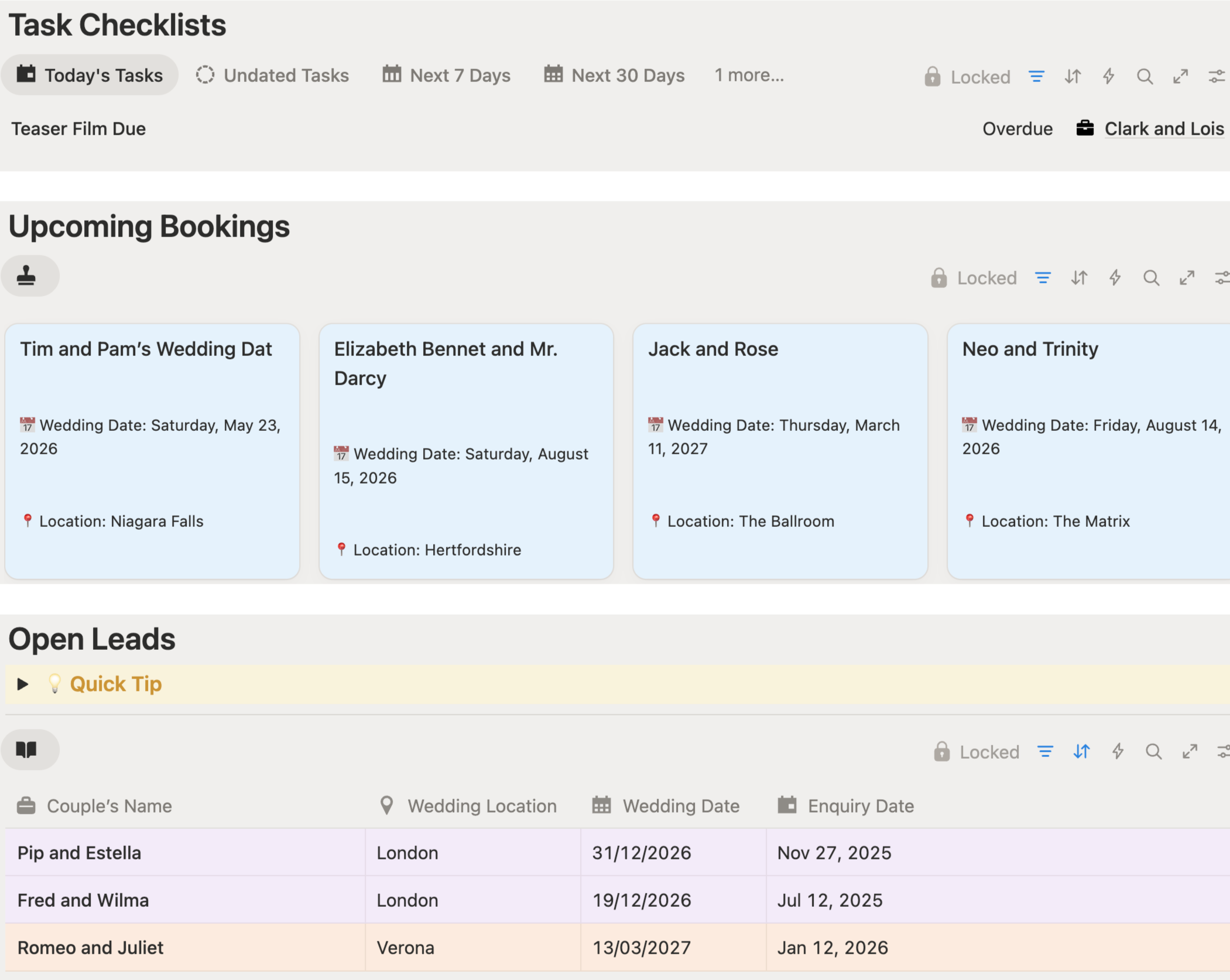
The Dashboard is the homepage of the system and where you will spend most of your time, creating new bookings and leads, adding tasks to your checklists as well as getting an overview of your calendar for the next week or month.
THE CLIENT PAGE
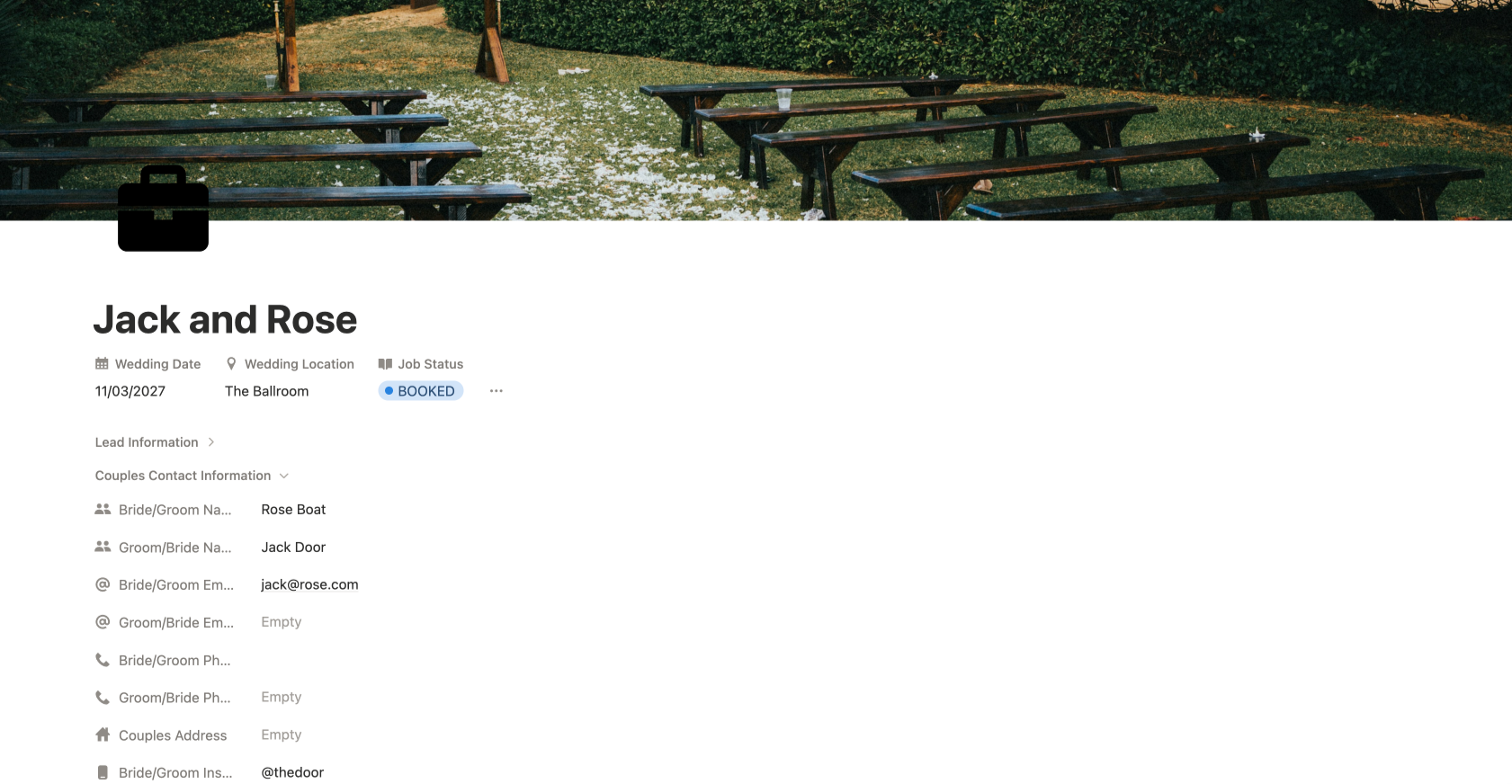
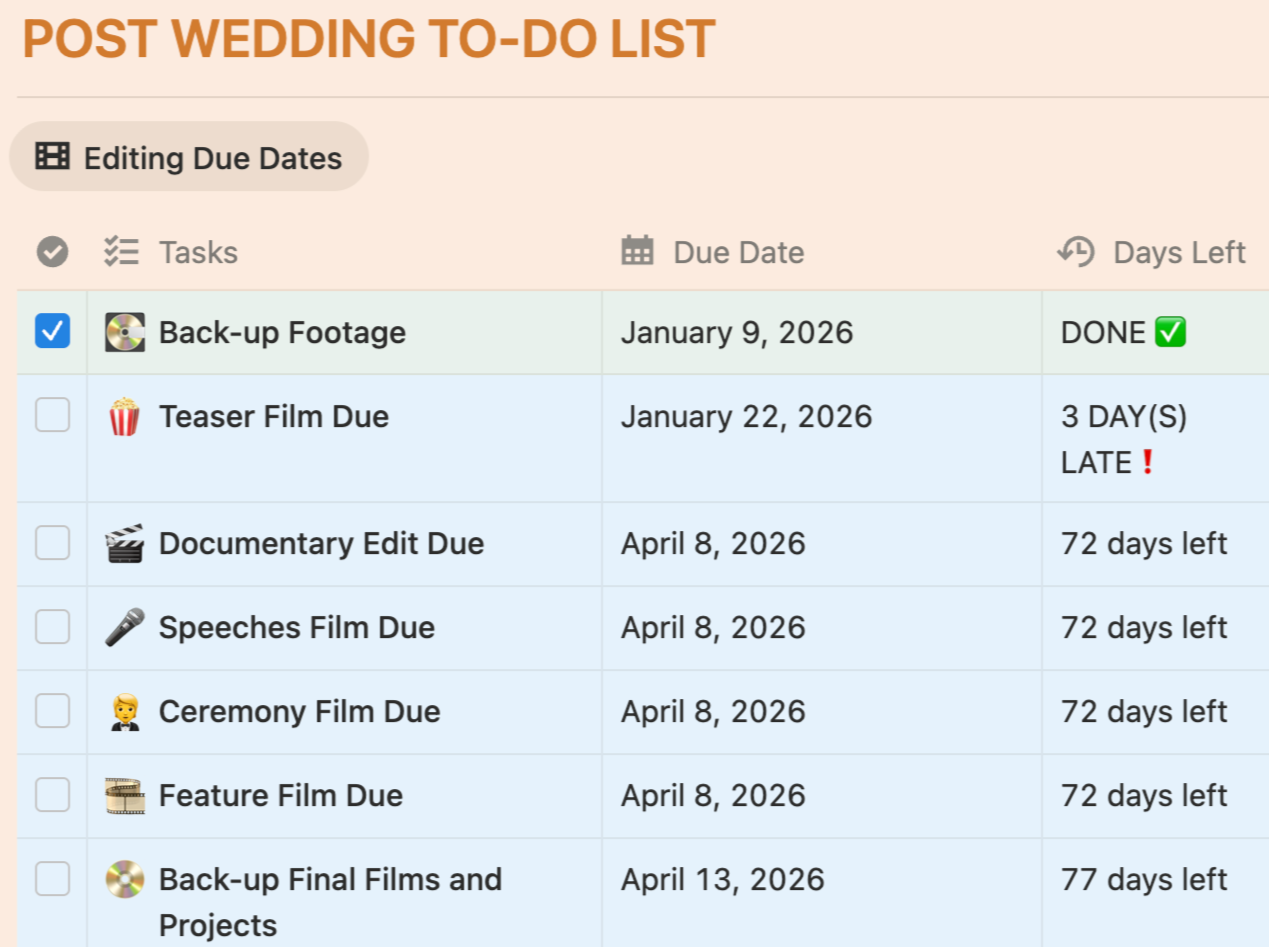
The client’s page is where you will store all the information for an individual booked couple - their contact information, venue details and crucially the date of the wedding. The system I have created will then dynamically add future editing deadlines to your calendar based on the wedding date.
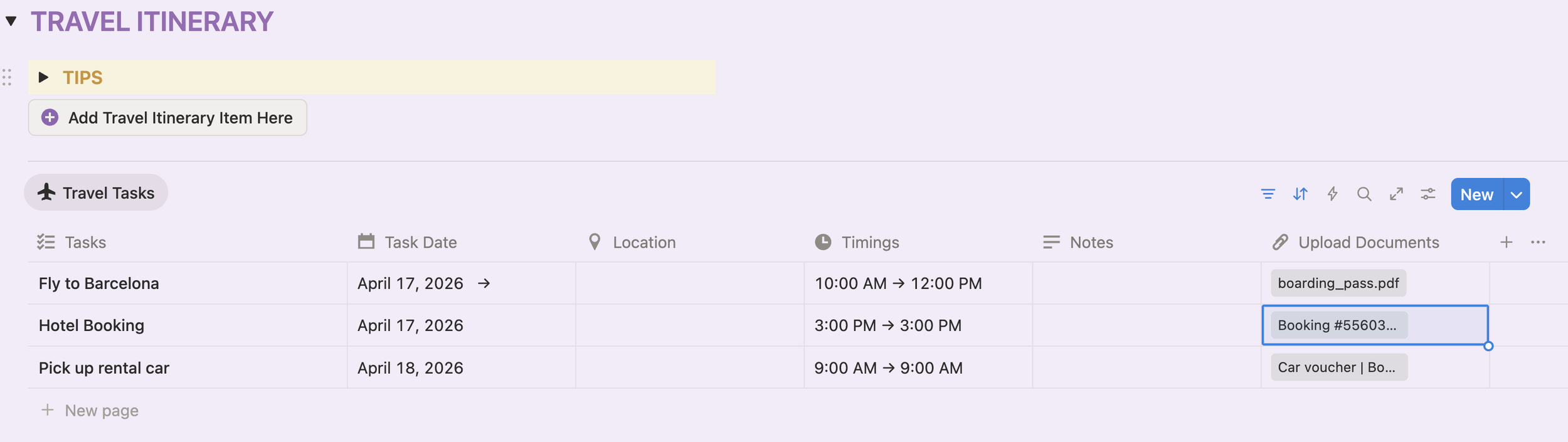
You can also use this page to create a wedding day itinerary, add financial information about the booking as well as travel itineraries, gear checklists and the location of footage back-ups.
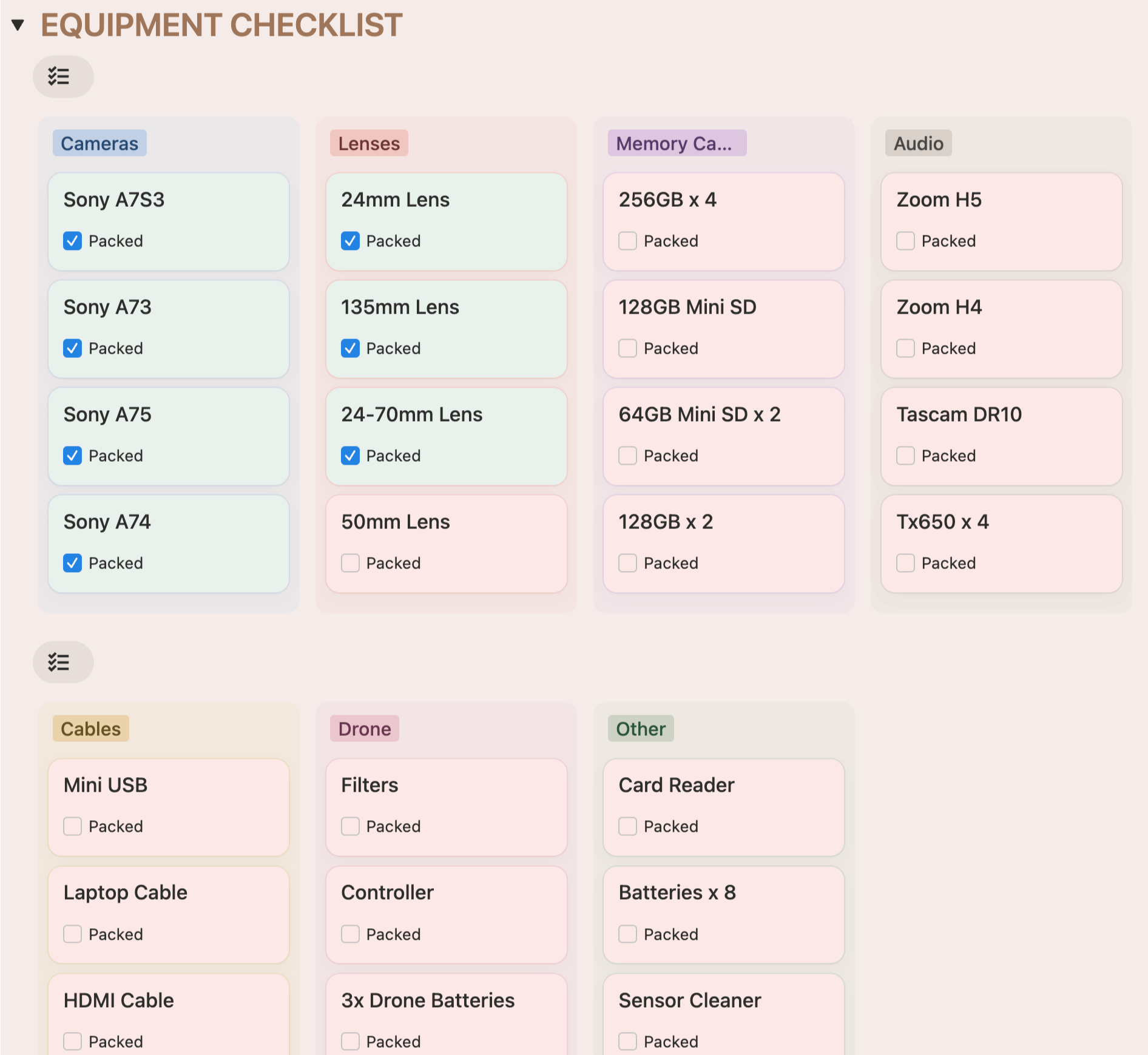
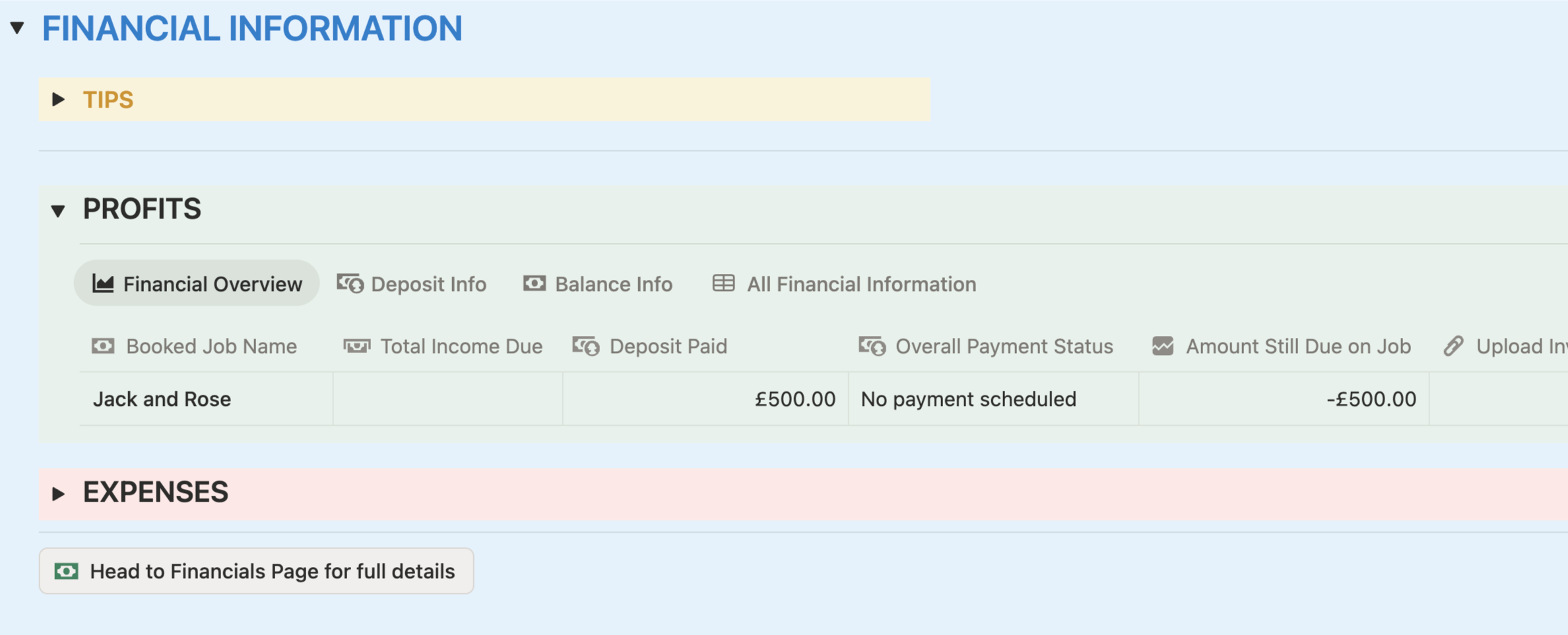
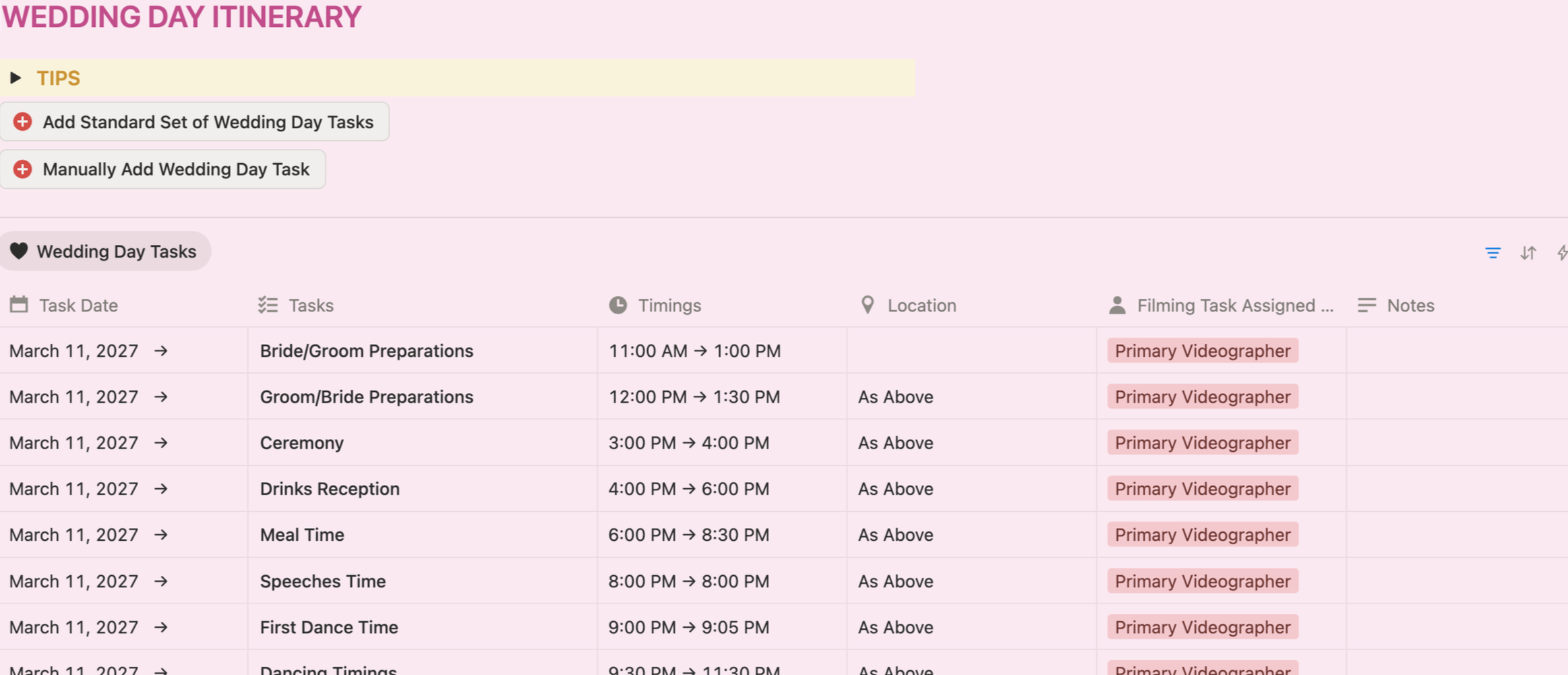
BOOKINGS AND LEADS
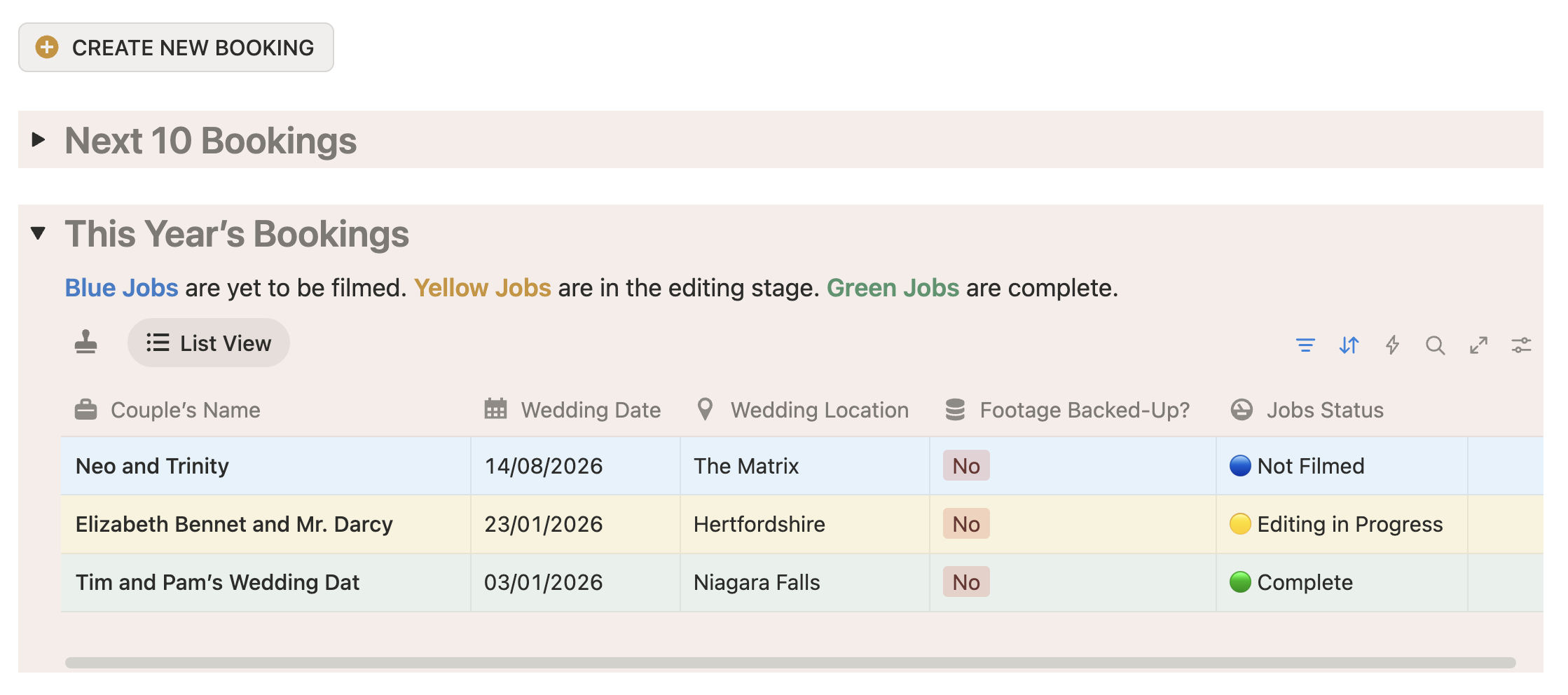
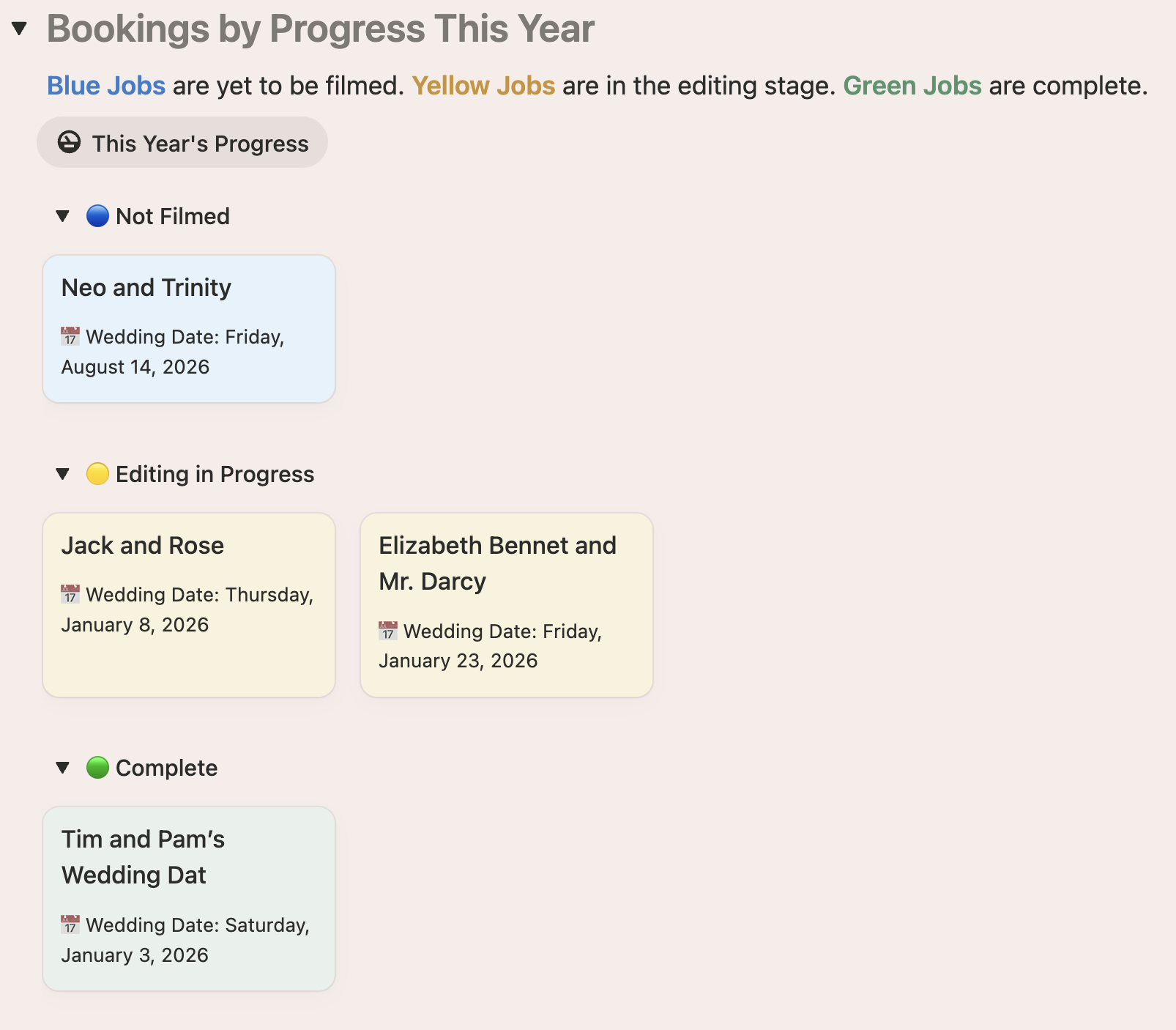
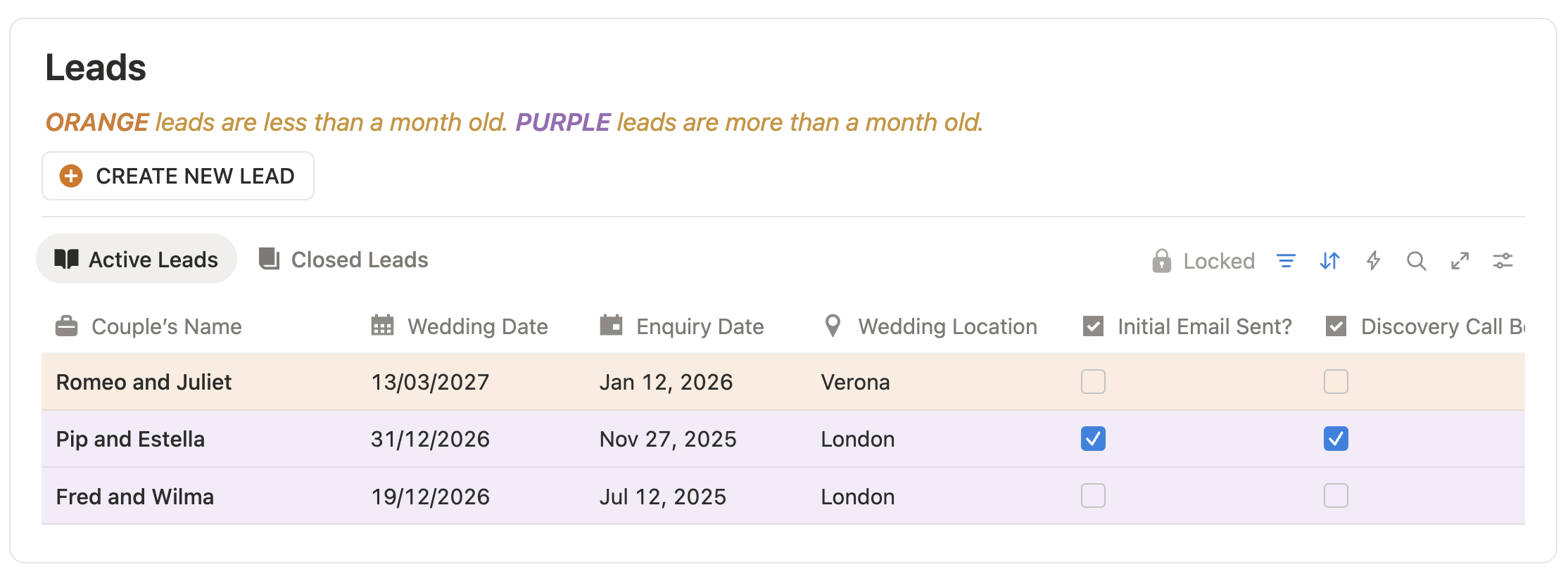
The Bookings and Leads Pages are where you will find dynamic information about your current and potential clients. Using a date-based colour coding system you can visualise the current state of your editing, your bookings and your leads.
When a booking is created with a date attached to it, deadlines for films are automatically added to your calender and task lists.
FINANCIALS AND FOOTAGE
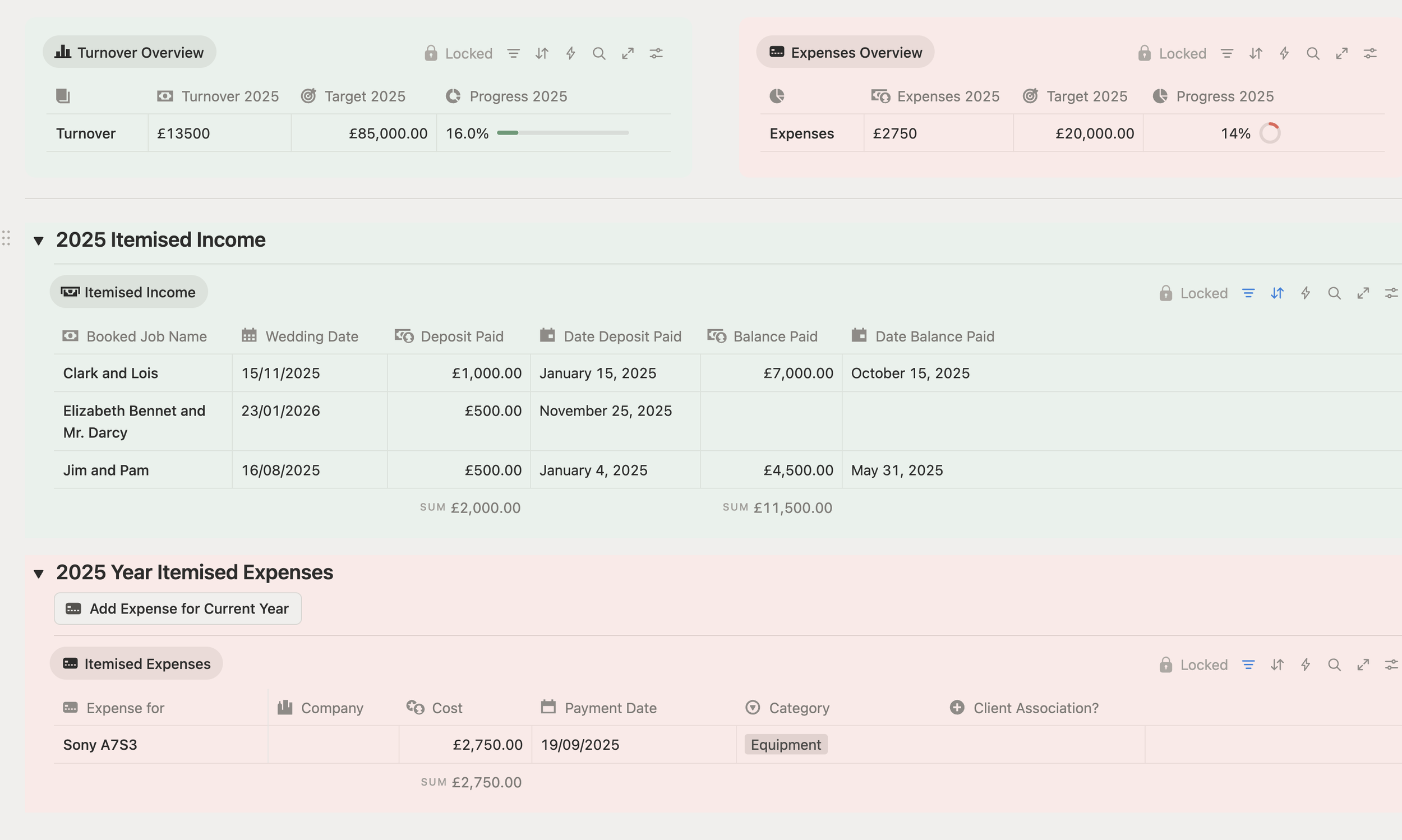
The Financial’s Page is where you will keep track of all of your client payments, what is due next, what is still owed etc, as well as a running total for the current year. You can also use this page to keep track of current business expenses.
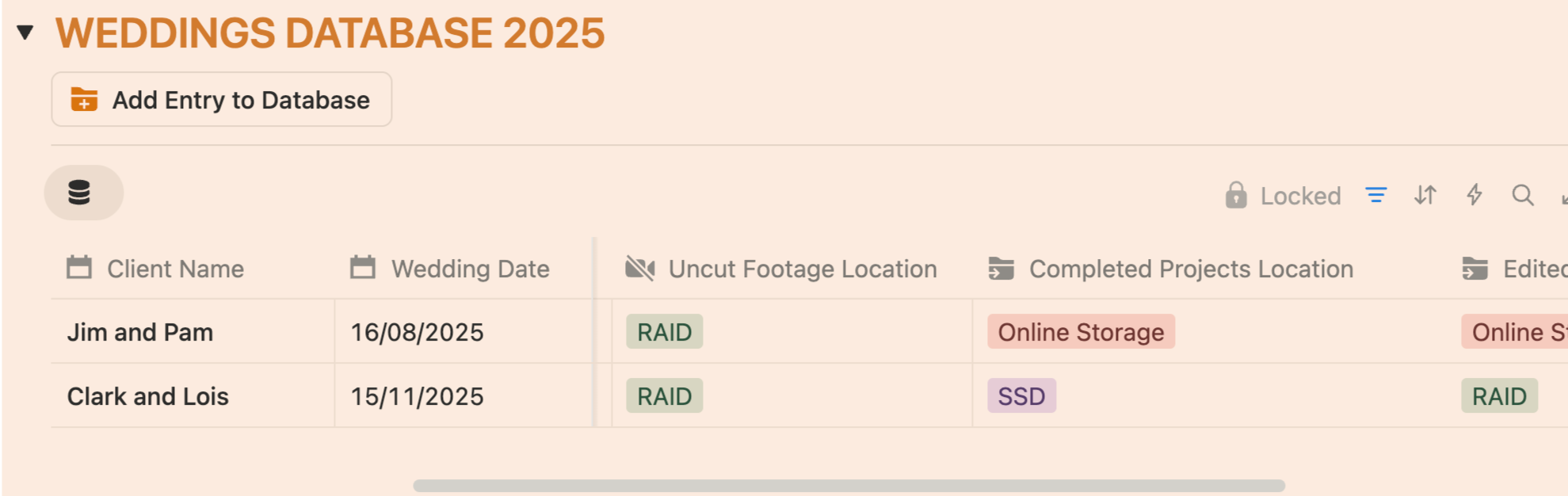
The Wedding Database Page is one of the first databases I created in Notion, allowing me to keep track of what back-ups I have made of my footage and edited films, as well as their location. These entries also connect back to the client’s Booking Page, so you have a reference for whose film is where.
BRAIN DUMP
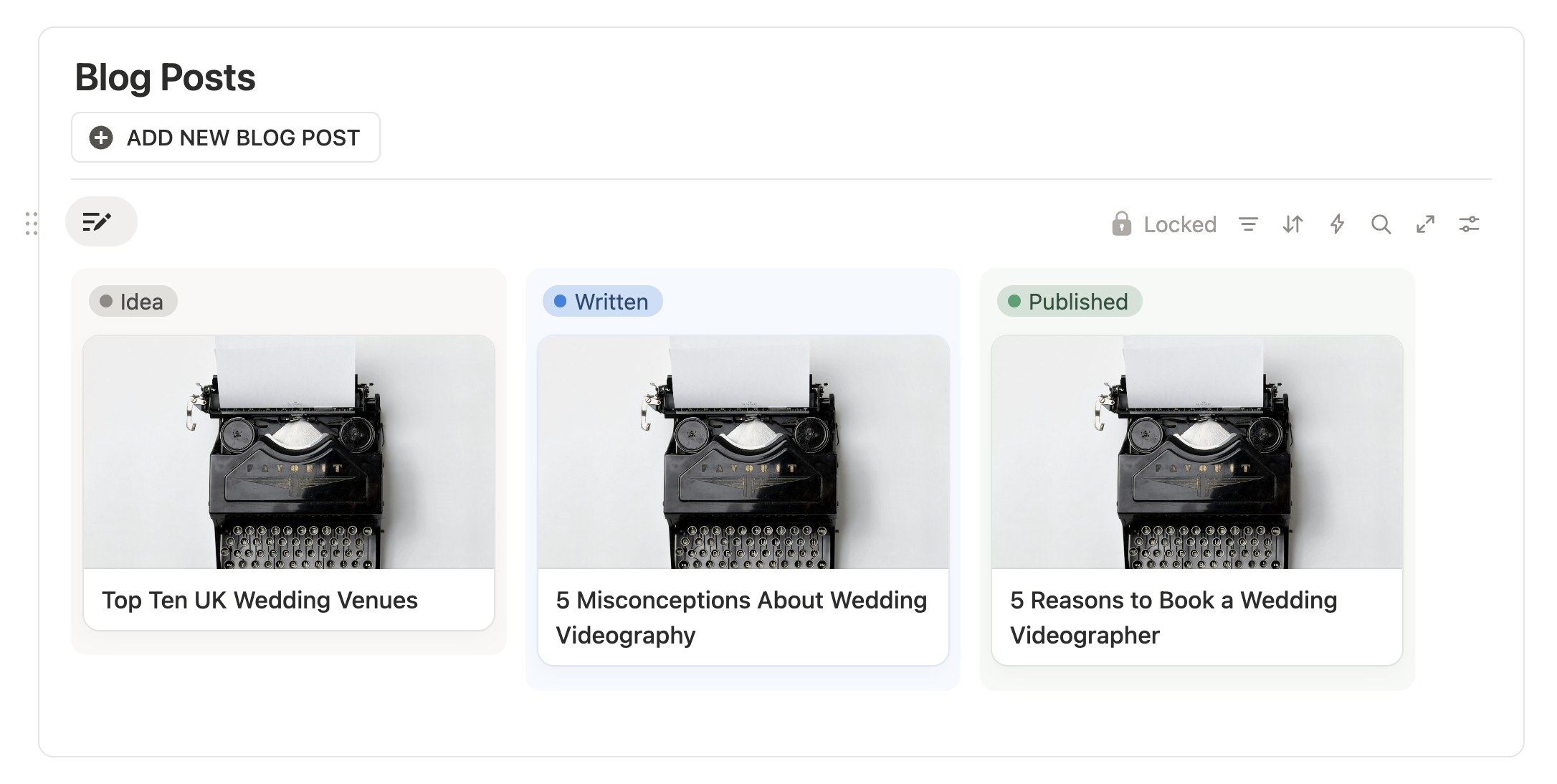
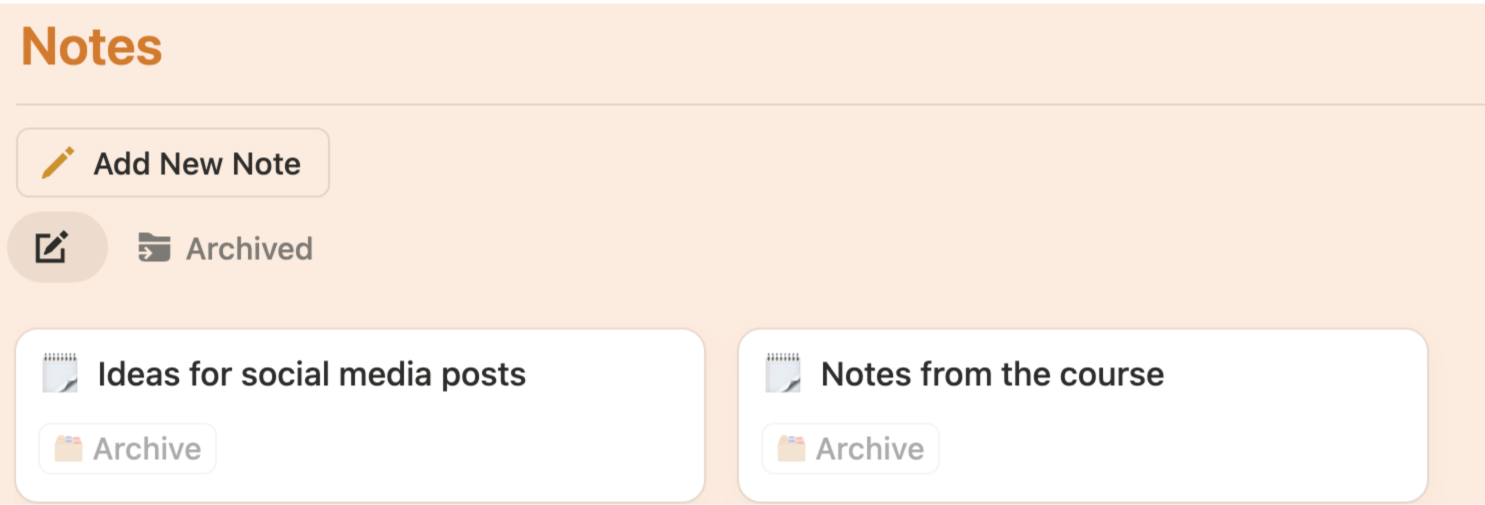
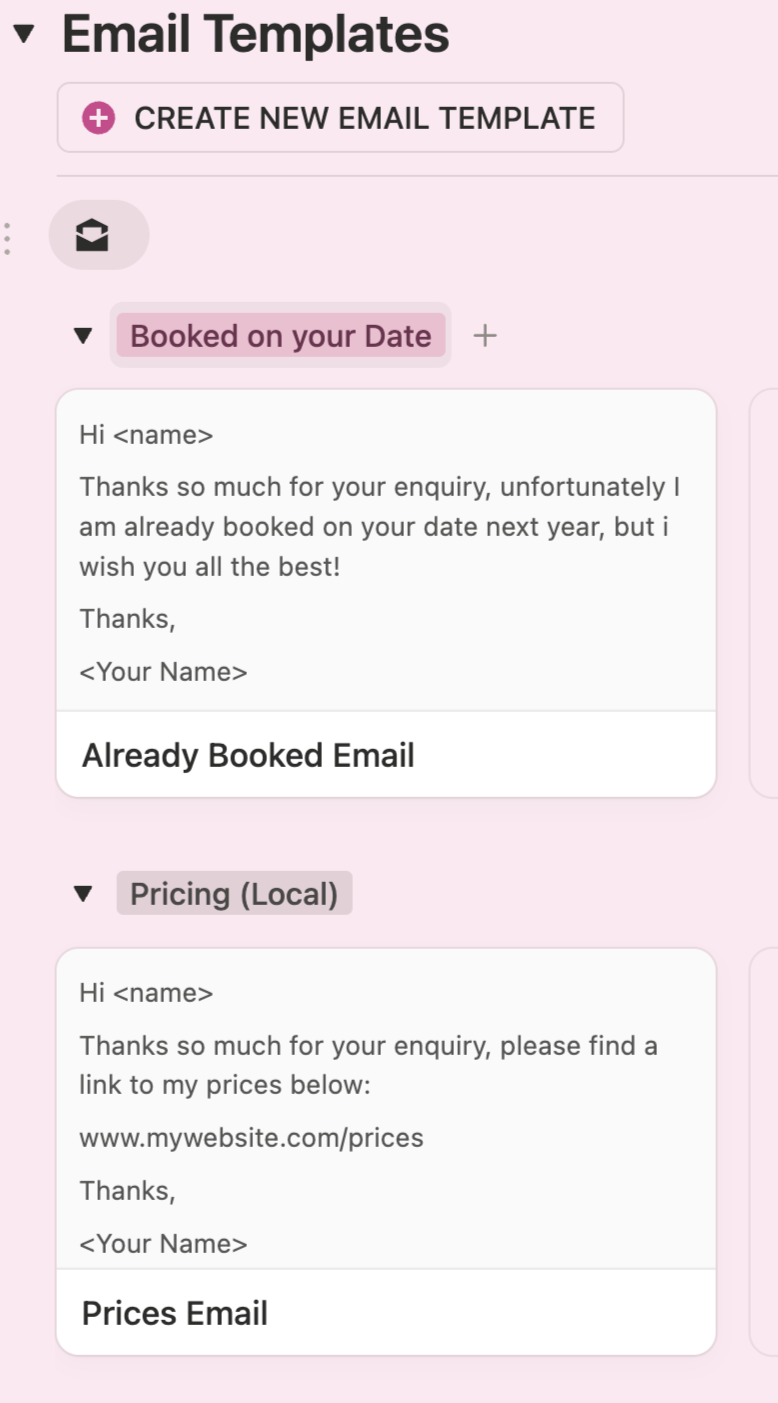
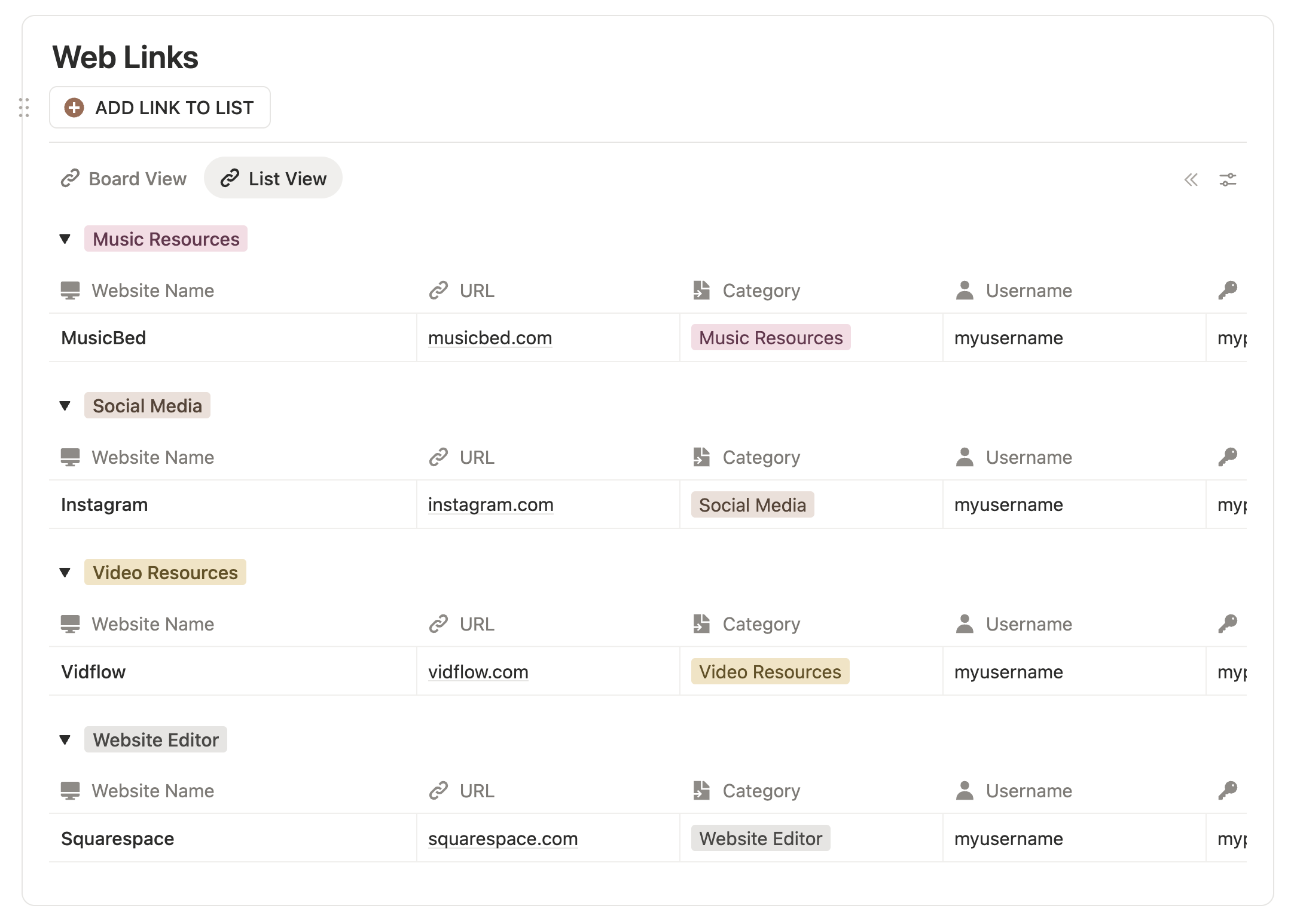
You will also find some extra databases for storing contacts, blog post ideas, email and contract templates as well as useful web links.
Is this system a CRM?
Please find some of the similarities and differences between The Wedding Filmmaker OS and a traditional CRM.
Frequently Asked Questions…
Please find some of the similarities and differences between The Wedding Filmmaker OS and a traditional CRM
-
I want to be transparent about what this system is - in essence it is a large database where you can store information about clients, bookings, contacts, footage locations etc, not for taking payments or sending emails automatically - so I see it more as a place to store everything about you wedding videography business, rather than a CRM.
The being said, as I have created a way to store bookings and leads, to have tasks and calendar entries, to do with filming and editing deadlines, show up all dynamically in the system it does share certain features with a CRM, so I guess it comes down to what you currently use your CRM for.
-
Notion is a brilliant organisational system used by many large companies to help run their business’ but it is, in essence, a blank canvas with quite a steep learning curve. Luckily for you I have spent many years learning how to fully utilise it and make it work as a tool for wedding videographers. What you are purchasing from me is a fully functioning Notion database, so to use the system you need Notion.
One of the benefits of this, however, is the fact that Notion is continuously adding new features to its free accounts, such as AI assistance, a new Notion mail app and a stand-alone calendar app, all of which can be used with this system if you want to. As Notion evolves this system will only become more useful.
-
When you buy my system you will be asked to fill in a few details in a form, which allow me to tailor the system for your business. I will then send you an invite link within 48 hours, via email, to become a team member of your new system. You will be prompted at this point to sign up for a free Notion account. Once you have signed up and joined the system I will revoke my membership and the system will be yours!
-
Unfortunately, due to the nature of this system, once a purchase has been made you own a copy of the system which cannot be returned, so refunds are not possible. If you have more questions you would like answered before making a purchase, fell free to email me via the button below.
-
On every page of the system you will find a “tips” section offering guidance on that page. You will also find a dedicated Help page with more detailed instructions, as well as a separate ”Explainer Videos” page in the ”team-spaces” section of Notion with a (feature length!) step-by-step video guide on the entire system.
Please note: once I have passed the ownership of the account to you, it is no longer possible for me to make any changes to your copy of the database, however feel free to contact me via email with any issues you are having and I will be happy to help if I can.
PURCHASE OPTIONS
An all-on-one operating system for wedding videographers - a place to keep track of leads, bookings, travel itineraries, finances, contacts and more.
Get the Wedding Videographer’s OS free of charge when you purchase my Wedding Cinematics online video course.
Get the Wedding Videographer’s OS free of charge when you book a Mentorship session with me.
IF YOU HAVE FURTHER QUESTIONS FEEL FREE TO SEND ME AN EMAIL!